When the Garena version of Call of Duty Mobile first brought its servers online for Southeast Asia, many players outside that region assumed they would be locked out of the action. The truth was much friendlier. Unlike some earlier closed beta builds that caused problems when a VPN was active, this version did not punish players for using a virtual private network. That meant anyone with an Android device, a few free minutes, and a willingness to follow a few steps could install the game and experience the same fast-paced multiplayer shooting, battle royale matches, and weapon progression as players in the official test region.
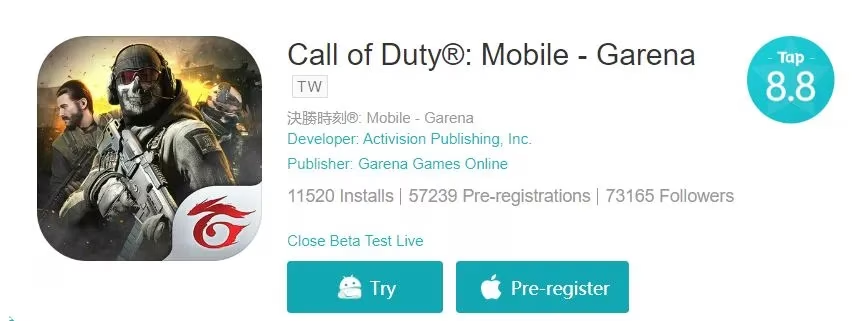
The Garena edition of Call of Duty Mobile was a regional version handled by Garena for several Southeast Asian markets. It carried the core identity of the series: classic multiplayer maps, killstreaks, loadout customization, operator skills, and a large battle royale mode. Because the game was still in its closed beta phase, server access was restricted, but the restriction was mainly tied to the login process. A VPN connection to an eligible country was usually enough to pass that check.
Before downloading, players needed to gather a few tools. The most important item was an Android phone with enough storage space for the game and enough RAM to run it without constant stutters. A stable internet connection was also essential, since downloading the game files and connecting through a VPN could consume a fair amount of data. On the software side, players needed the TapTap application to get the Garena build and a VPN app that offered servers in Southeast Asia. UFO VPN was a common choice because it allowed users to unlock limited premium time by watching short ads, which made the process easier for budget-conscious players.
Step-by-Step Download and Play Guide
-
Download TapTap on the Android phone. Players could get the app from official sources or trusted app stores, then allow installation from unknown sources if the device asked for permission.
-
Open TapTap and search for Call of Duty Mobile Garena. The correct listing would show the regional beta version. Tapping the \u201ctry\u201d button started the download, but players were advised not to open the game right away.
-
Install a VPN application such as UFO VPN. The VPN needed to include server locations in Southeast Asia.
-
Open the VPN app and connect to a server in one of the eligible countries: Brunei, Cambodia, Indonesia, Laos, Malaysia, Myanmar, Philippines, Singapore, Thailand, Timor-Leste, or Vietnam.
-
After the VPN connection was active, players could open Call of Duty Mobile and proceed to login. The game would normally accept the connection and load the full menu.
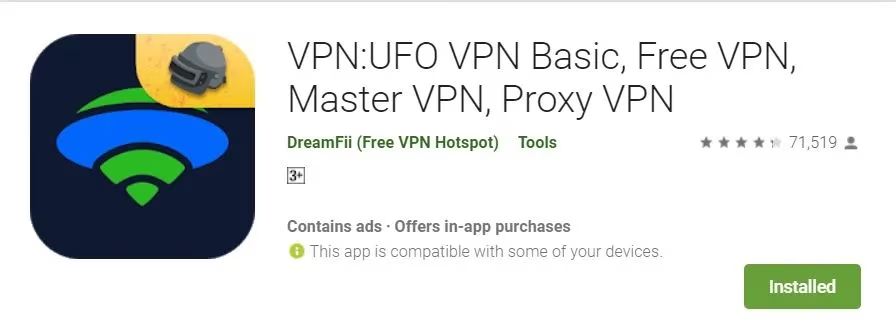
One helpful detail for players using UFO VPN was that the app offered premium access through advertisements. Watching enough ads before launching the game could provide a solid block of playtime without interruption. Players who skipped this step sometimes found their VPN connection dropping in the middle of a match, which could lead to lag, a disconnect, or a temporary return to the region check screen.
The entire setup process was usually estimated at around fifteen minutes. However, the exact time depended on internet speed, the size of the game files, and how quickly the VPN server responded. Players with slower connections needed to be patient, especially during the initial download through TapTap. Closing background apps, keeping the phone charged, and staying on Wi-Fi helped reduce issues.
Players also needed to remember that closed beta progress was temporary. Once the Garena version of Call of Duty Mobile prepared for a wider rollout or global release, beta data could be completely wiped. That meant unlocked weapons, character skins, battle pass progress, and ranked points would disappear. For that reason, it was not wise to spend real money inside the beta unless a player was comfortable losing those purchases. The main value of the closed beta was the chance to test the game early, learn the maps, experiment with loadouts, and provide feedback to the developers.
For players outside Southeast Asia, higher ping was another common concern. Since the Garena servers were located in the region, connecting from far away through a VPN could add latency. Some players found that choosing a VPN server closer to their own location but still within Southeast Asia could produce a better result. Others preferred to test the game only in non-ranked modes, where a small delay was less punishing than in competitive multiplayer.
By 2026, the global version of Call of Duty Mobile has long been available in many regions, and most players no longer need a VPN to play the game. Still, the same general method of downloading a regional build through TapTap and connecting to a VPN remains useful for anyone trying to access soft launches, regional betas, or limited-time tests in other games. The key lesson from the Garena closed beta era is that a regional restriction does not always mean a hard block. With the right tools and a little patience, players can often step into a new shooter experience before the official launch arrives.